











|
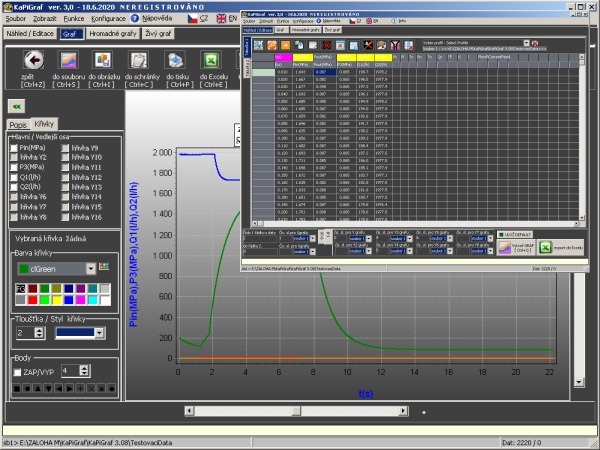
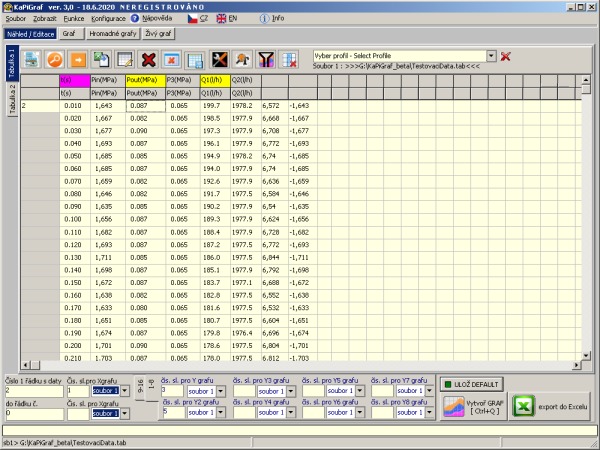
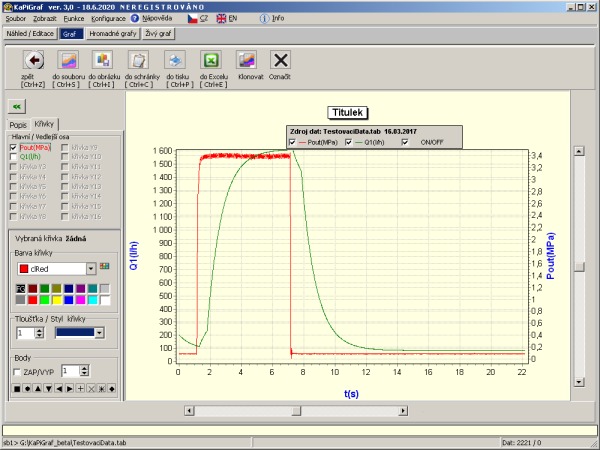
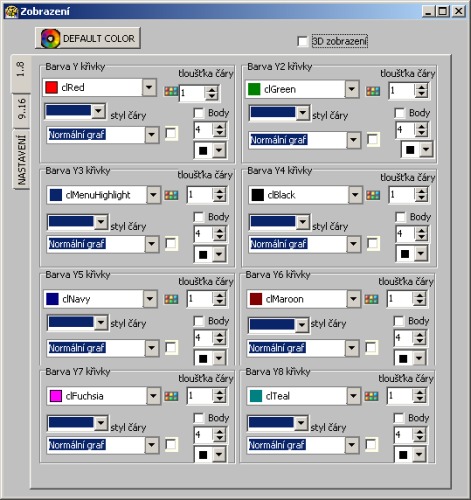
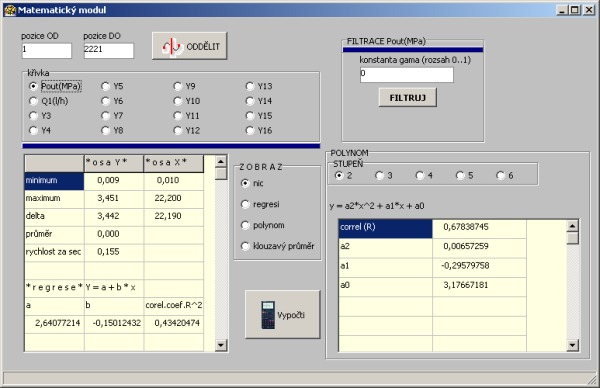
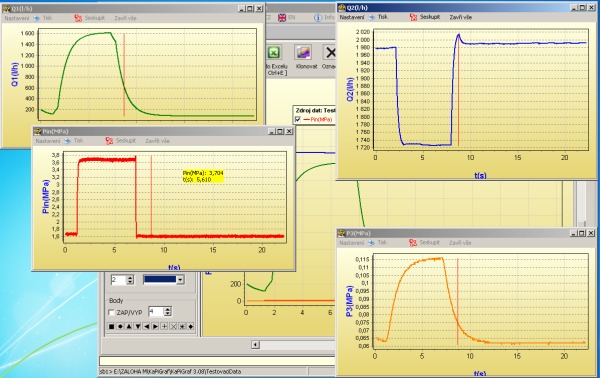
KaPiGraf 2.0 freeware for noncommercial use… About us KaPiGraf = GRAPHS EASILY - FAST - EFFECTIVE WHY BUY A LICENSE OF KAPIGRAF ? · Access to all test versions · The new version always in advance · Priority technical support · New features for registered users · Advertising place (details below) · Will support the further development · Current information about the program KaPiGraf by e-mail System requirements: Operating system : Windows 98, 2000, XP, Vista, 7 (32bit, 64bit), Windows 8, Linux with WINE Resolution: min. 1024x768 Portable version, no install Manual: KaPiGraf_manualEN.pdf (II. edition) Download: KaPiGraf (version 2.0) what's new ? Questions and Technical Support: kapigraf@kapizone.cz ADVERTISING AREA This new service is available for all the users of KaPiGraf. We will place your advertisement into the KaPiGraf front page for 15USD for registered users and for 25USD for unregistered users. If you are not registered, you will get for 25USD not only your advertisement but also the KaPiGraf licence. You have the possibility to enter your website after the click on your advertisement. Here is the example: ADVERTISEMENT CONDITIONS You advertisement will be placed in KaPiGraf until the new KaPiGraf version. We guarantee the minimum time of 3 months. Your advertisement will appear in the version placed forever. Example: When you buy the advertisement for KaPiGraf 1.9., your advertisement will stay in it although the new version 2.0. will be released. Advertisement order: licence@kapizone.cz COMMERCIAL VERSION The seller of KapiGraf commercial version: Jan Pišinger (IČO 86913336) Licence orders at: licence@kapizone.cz The price for one licence is 10 USD Note: The program is distributed in electronic form. The customer receives a licence key together with installation instructions after the payment by e-mail. Tax document is sent electronically. Description: KaPiGraf shows your data as a chart easily and quickly. It also offers possibilities which you miss in MS Excel. And what is more, KaPiGraf will never bother you with unnecessary questions. After you open your file, you will see the preview of your data. Here you will choose each column which stands for the axxis X and Y. After clicking „The create graph“, the graph is automatically drawn. This graph can be used in many ways: moving, zooming, changing parameters, exporting into MS Excel, printing, saving, transfering units and many others. KaPiGraf is still in the development and if you have an interesting idea how to improve it, please contact me. Data: Data are created with common text files (made e.g. by a notepad or by KaPiGraf) where each column is divided by tab or space or semicolon… Video tutorial: demo.avi (preview what you can do with KaPiGraf during 57s) Lesson1.avi (opening your data in the KaPiGraf preview) Lesson2.avi (our first graph) Lesson3.avi (zoom, moving, scaling) Lesson4.avi (2 curved lines, minor axis, axis dividing, title) Lesson5.wmv (save file, using KaPiGraf in your programs, picture save, clipboard, print, export into MS Excel, show/hide curves) Lesson6.wmv (mathematical modul) Main features: · KaPiGraf works without the limits of 32000 data rows of a graph on the contrary to MS Excel (Tried more than 1.3 million lines of data shown in the graph) · KaPiGraf is Freeware for noncommercial use · Easy calculations in cells · Import / Export into Excel · Portable version - not install · KaPiGraf is not designed of MS Excel Previews: After clicking the previews the bigger scale is shown |
|
|

|
Development of Applications and Web Pages for Windows |
|
|